
Full register.
In your pocket.
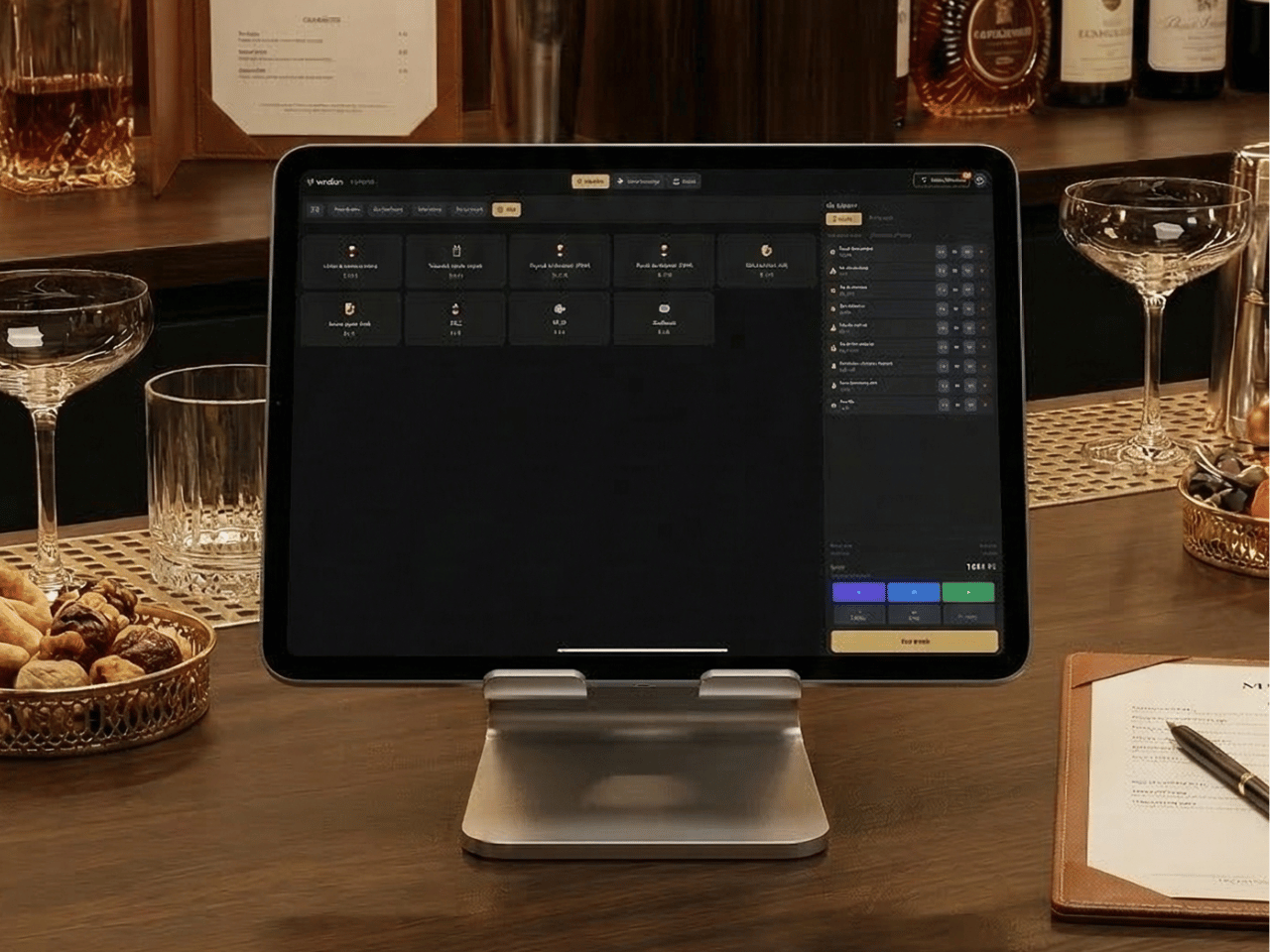
Take orders at the table. Send to the kitchen. Accept payment. Without leaving the guest for a second. The exact same system as the stationary POS — in the palm of your hand.
Stop running.
Start serving.
Every time the server runs to the stationary POS, you lose time — and the guest's attention. With Mobile POS, the server stays at the table.
1. Guest orders at the table
2. Server walks to the POS
3. Server waits in line behind a colleague
4. Enters the order
5. Walks back to the table
6. Guest has waited 4 minutes
1. Guest orders at the table
2. Server enters order right at the table
3. Order is in the kitchen
4. Server stays and recommends wine
5. Guest orders a bottle
Same POS.
Just mobile.
Mobile POS is not a stripped-down version. It is the exact same system as the stationary POS — same menu, same prices, same floor map, same guest profiles. Everything synced in real time.
Everything you do at the POS.
Now at the table.
Take orders at the table
Browse the menu, add variants and modifiers, send to the kitchen — without walking a single step. The guest sees you taking a real order, not texting on your phone.
Send tickets to kitchen and bar
Orders go directly to the right KDS screen or ticket printer. Hot kitchen, cold kitchen, bar — automatic routing. The kitchen starts cooking before you even leave the table.
Accept payment at the table
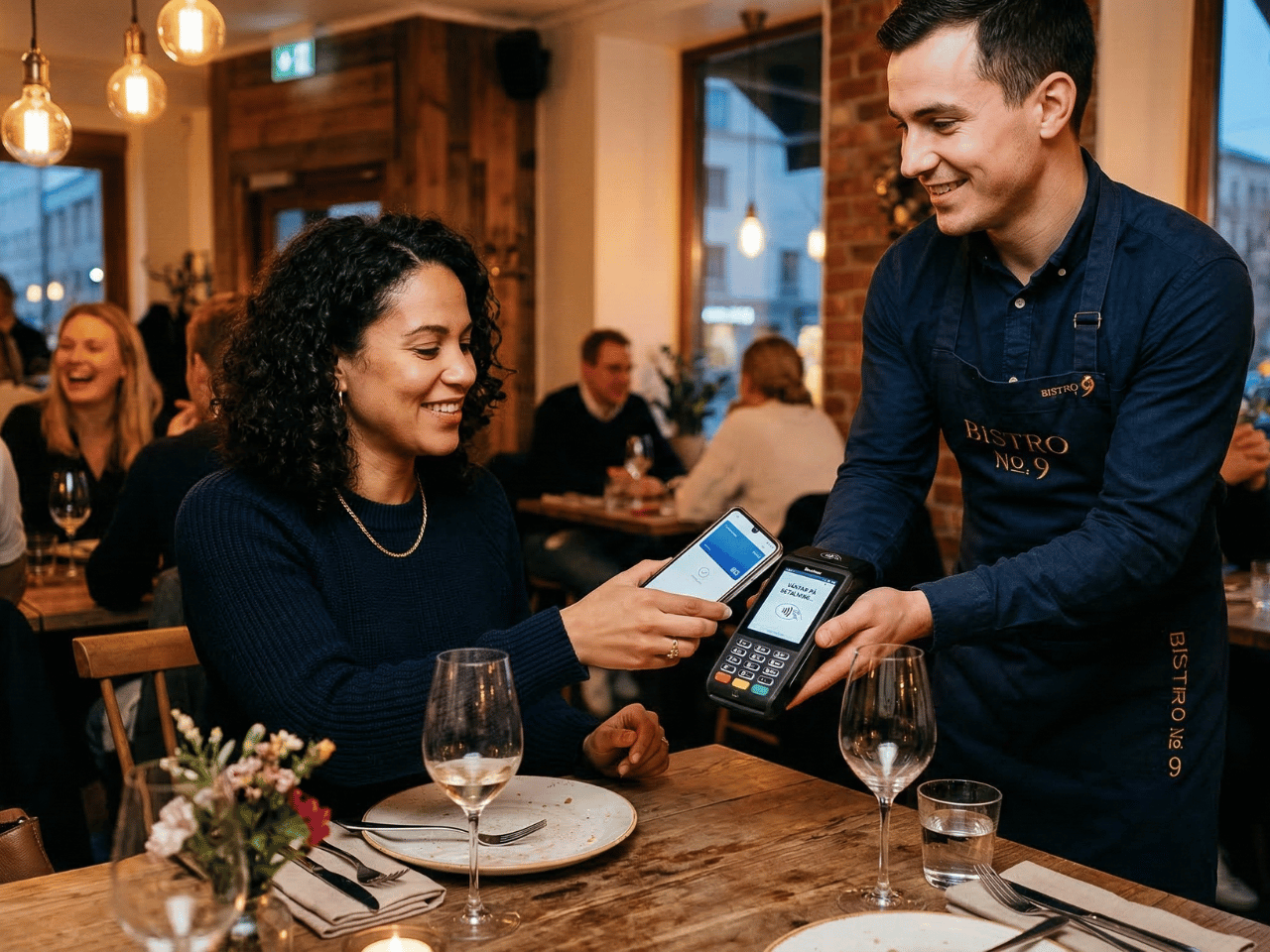
Pair a mobile card terminal. Accept payment on the spot — card, contactless, Apple Pay, Swish. No waiting, no running. The guest pays when the guest wants.
Tips with preset percentages
Display tip options directly on the terminal: 5%, 10%, 15% or a custom amount. Mobile tip prompts generate on average 40% more tips than asking verbally.
Split payment
Split the bill per person, per dish, or any custom amount. Mix card + cash + Swish. The exact same split feature as the stationary POS.
View the floor map
See which tables are available, occupied, or waiting for food. Assign guests to tables right in your hand. Perfect for the host at the entrance.
More time at the table =
more on the bill.
When the server stays at the table after the order, magic happens. A wine recommendation. A dessert suggestion. An extra appetizer. Mobile POS eliminates the running and creates space for what actually increases the average ticket — personal service.
Restaurants that switch from stationary to mobile tableside ordering see on average an 18% higher average ticket. The reason: the server is present at the moment of decision.
The guest profile.
In your hand.
The same Waiter Intel as the stationary POS — but on mobile. The server sees the guest's name, number of visits, allergies, favorite dishes, and VIP status right at the table. Personal service without running to check.
- Guest profile from booking or phone number
- Allergies and preferences visible
- Number of visits and average ticket
- VIP marking
- AI recommendations per guest
- Works identically to the stationary POS
Ask AI.
Get answers at the table.
The same AI Waiter as the stationary POS. Ask about allergies, menu recommendations, wine pairings, table status — right in the mobile POS. Staff get answers without leaving the guest.
- Allergen filtering right at the table
- Menu recommendations based on popularity and margin
- Wine pairing per dish
- View active orders per table
- Upselling suggestions
- Answers in Swedish — in seconds
Perfect for.
🍽️ Table service
The server takes orders and payment at the table. More presence, higher average ticket, happier guests. The classic use case.
🌤️ Outdoor seating
No stationary POS outside? No problem. Mobile POS works anywhere with WiFi or mobile data. Perfect for the summer season.
🍸 Bar & nightclub
Stop running between the bar and the POS. Take orders and payment right at the bar counter. Faster service during peak hours.
🎉 Events & catering
Pop-up bar, wine tasting, catering gigs. Set up a full POS anywhere in 30 seconds. No installation, no hardware.
40% more tips.
For real.
When the guest sees tip options on the card terminal — 5%, 10%, 15% — they almost always choose one. Asking verbally yields lower tips. Mobile tip prompts combined with tableside payment have been shown to generate up to 40% more tips compared to traditional payment at the POS.
Everything included in Mobile POS.
Technical.
Ready to stop running?
Book a demo and see how Mobile POS gives your staff more time with the guests.
No commitment. Switch anytime.